ScriptureCast
Desktop sermon display for churches
About
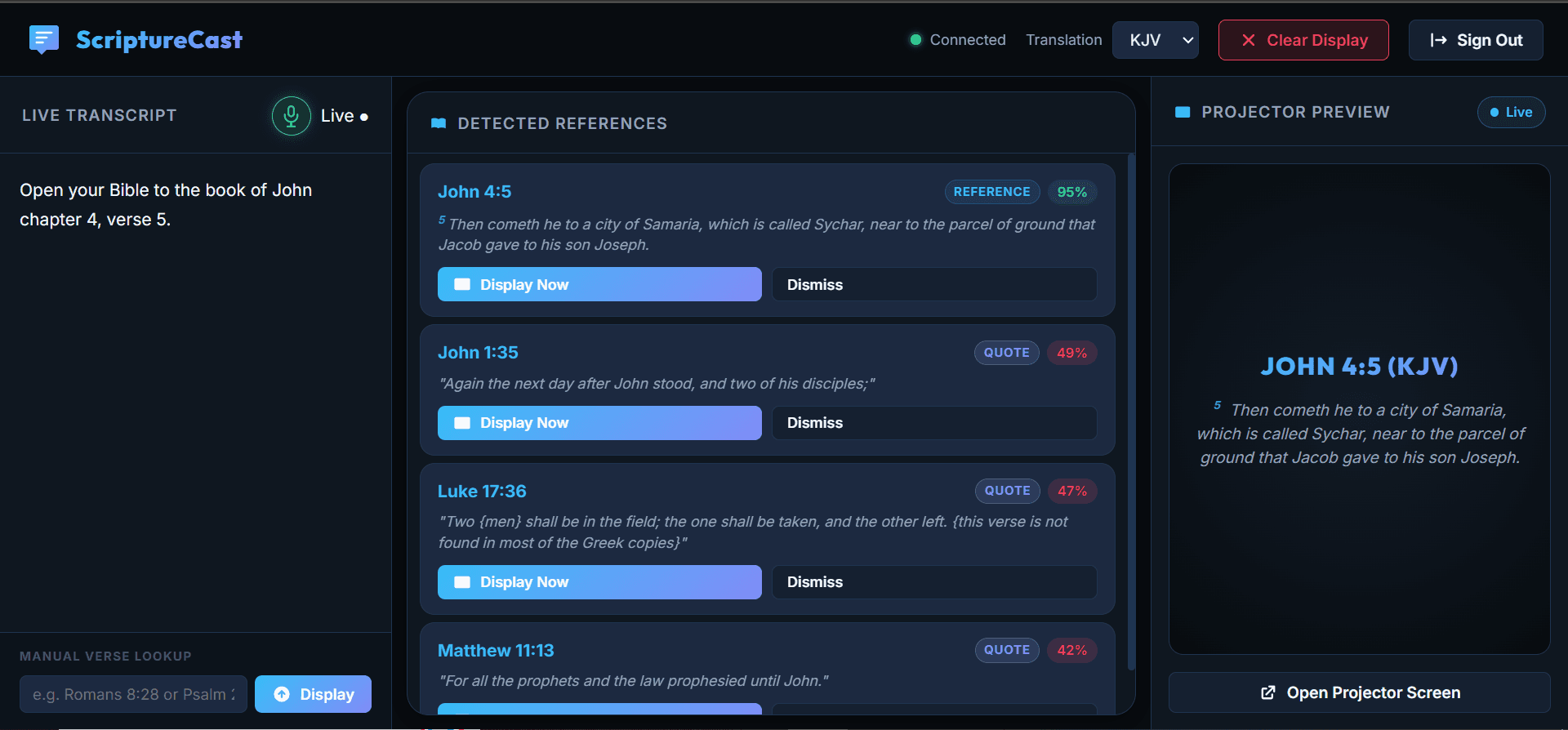
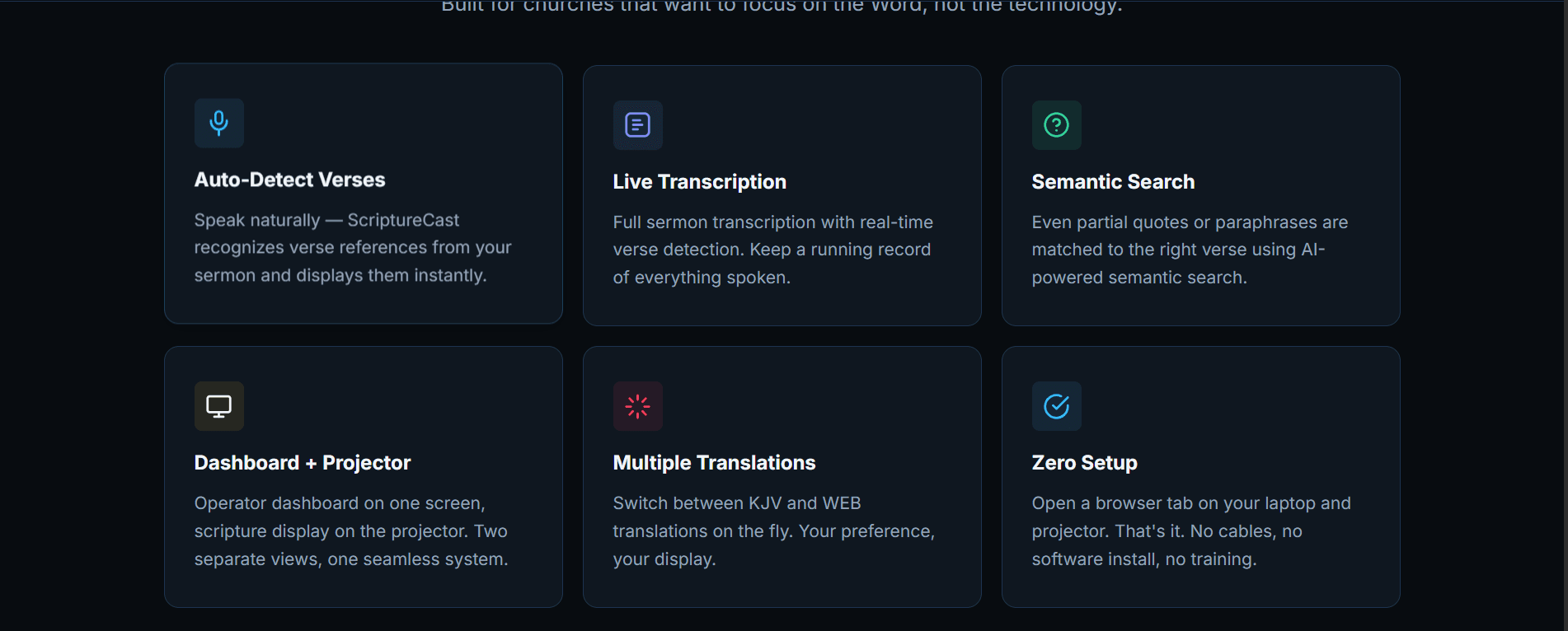
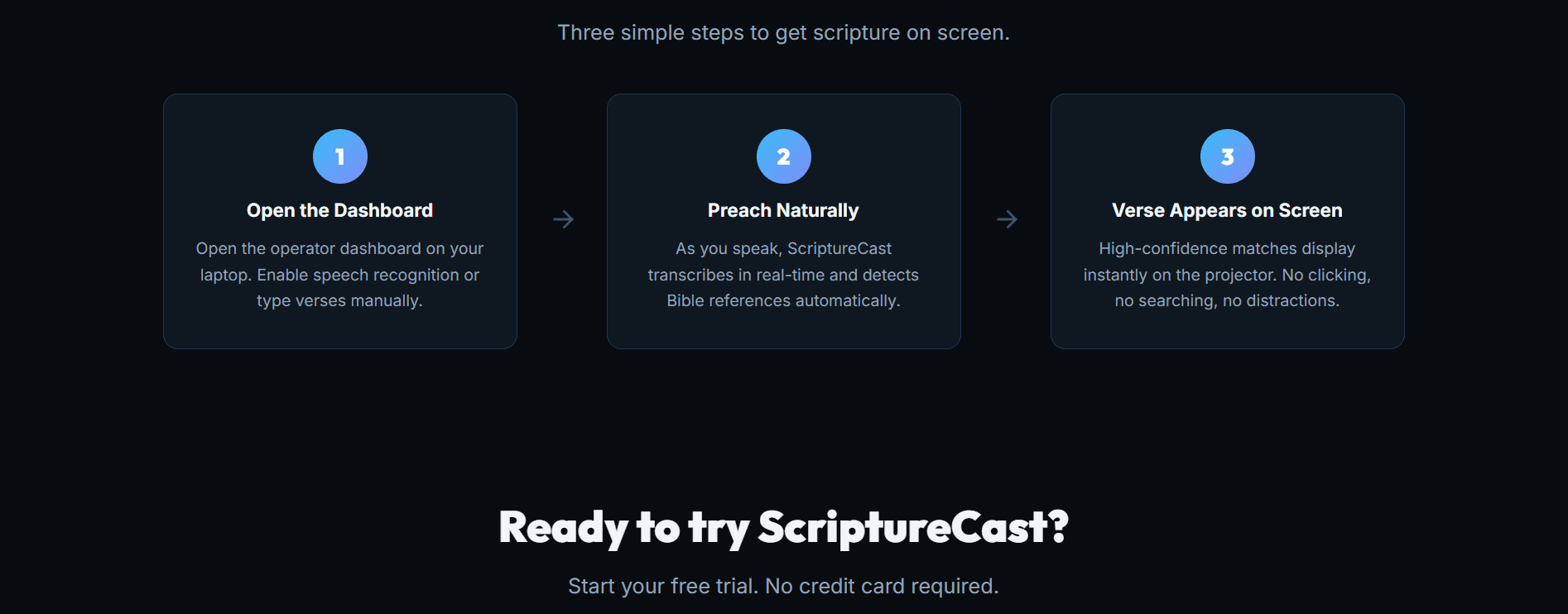
A Tauri desktop application that enables churches to display verse-by-verse Scripture navigation on projectors during sermons. Features live verse rendering, automated projector detection, and seamless sermon display control.
Problem
Churches displaying Scripture during sermons rely on slide-heavy approaches (PowerPoint, Google Slides) that are slow to navigate and prone to errors. Ministers need real-time verse access with a projected display that follows their in-app navigation automatically.
Role & Tools
Designed and built the entire application. Developed the Tauri desktop shell in Rust, the backend API in Python/FastAPI, and integrated AssemblyAI for sermon transcription features.
Key Decisions
Projector auto-display detection via Tauri's monitor API
Used Tauri's window management API to detect connected monitors and automatically designate the secondary display as the projection output. This eliminated manual display configuration and made setup a single-click experience for church tech teams.
Rust-based desktop shell with Python backend
Chose Tauri (Rust) over Electron for the desktop shell to keep the binary small and memory-efficient on church computers (many of which run older hardware). The computationally heavy transcription pipeline runs as a separate Python/FastAPI service on Render.
Verse-by-verse navigation with parallel rendering
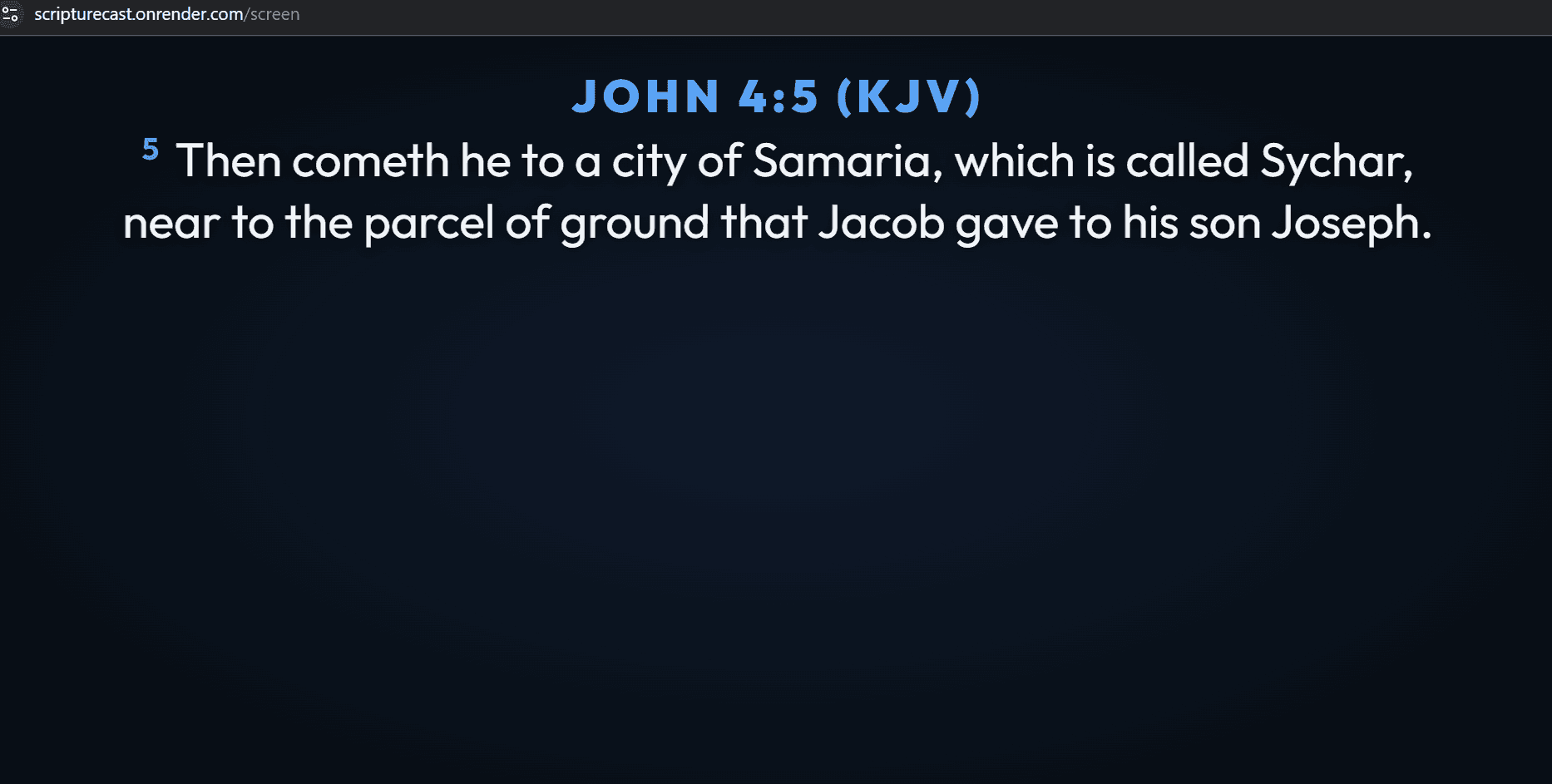
Built a dual-window system where the control interface and projector display run as separate webview windows within the same Tauri process. Verse changes on the control window propagate to the projector window in under 50ms via IPC.
Outcome
v0.1.0 released as a GitHub release. Being tested by a small number of churches with active iteration based on feedback.
Challenges
Ensuring projector display renders correctly on arbitrary screen resolutions and aspect ratios.
Implemented responsive rendering using CSS container queries and a preview mode. The projector view uses large, scalable typography with a minimum font size guarantee, auto-wrapping, and high-contrast mode for readability on any projector.
Managing Bible version licensing and text accuracy across translations.
Started with public domain versions (KJV, ASV) and built a pluggable text provider system. Each translation source implements a common interface, making it straightforward to add licensed versions later without core changes.
Screens